 |  | |
Prastutkarta!
What is Prastutkarta?
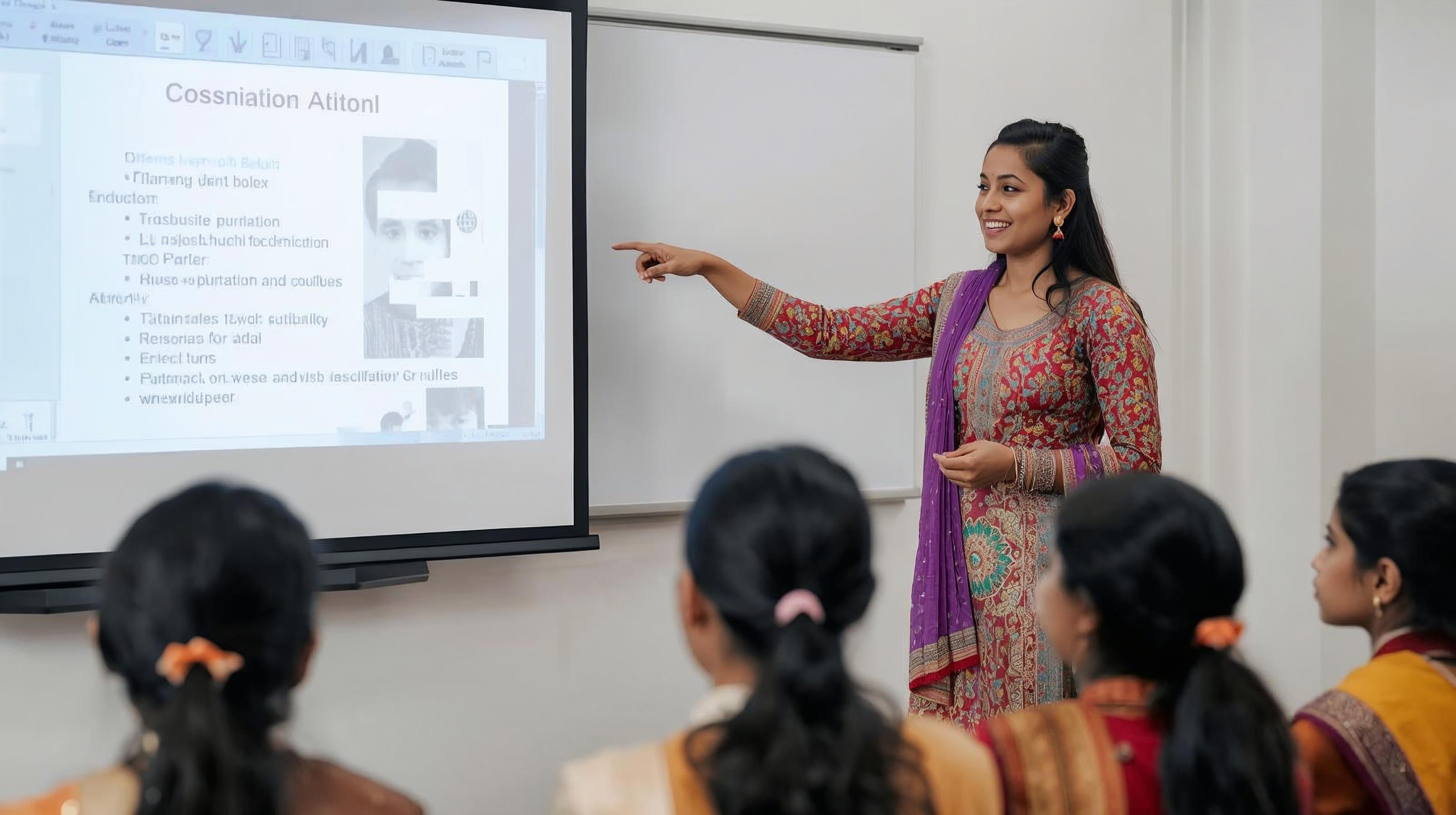
Prastutkarta is a simple to use utility to create your own presentation. It is aimed at the teacher, who wants to create a presentation to use with her students. The difference between Prastutkarta and other apps is that the teacher remains in complete control and can make changes as needed during the creation process.
Click here to try the app.
The stages of Prastutkarta
- Start by filling in all the required details: topic, class, number of slides, learning objective and type of presentation and click on Generate Ideas
-
- Prasturkarta will show you ideas for the presentation, one idea per slide. You can edit these ideas to suit your students. You can even add a slide at this stage! Once you are through, click on Generate Slides.
-
- Prastutkarta will show you the slides one by one. Use the Previous and Next buttonss to go through the slides. You can edit the title and the bullet points. Once you are through, click on Proceed.
-
- Prastutkarta will show you the image promots for each slide. You can edit these prompts to suit your students. Click on Proceed to continue.
-
- Prastutkarta will start creating the images. This will take some time! It will show you 3 images per slide. Select the best one by clicking on it. Click on Proceed.
-
- Prastutkarta will show you a colour scheme. Select the one you want and click on Next! Prastutkarta will create a pptx and download it for you! Open the pptx and enjoy!